
RSS

I Was Stressed Every Time I Sat In Front of My Computer Until…

Sun, Aug 26, 2007

Productivity

I was stressed. Somehow I kept feeling like there was something bugging me…what? Then it hit me – and I had been staring at it all day long for weeks. It was my desktop clutter.

This is a screenshot of my desktop at work. I thought it’d be a great idea to have my task list displayed (via Samurize, method here), together with my calendar appointments and the local weather via widgets (my office has no windows). And a kick-ass wallpaper.
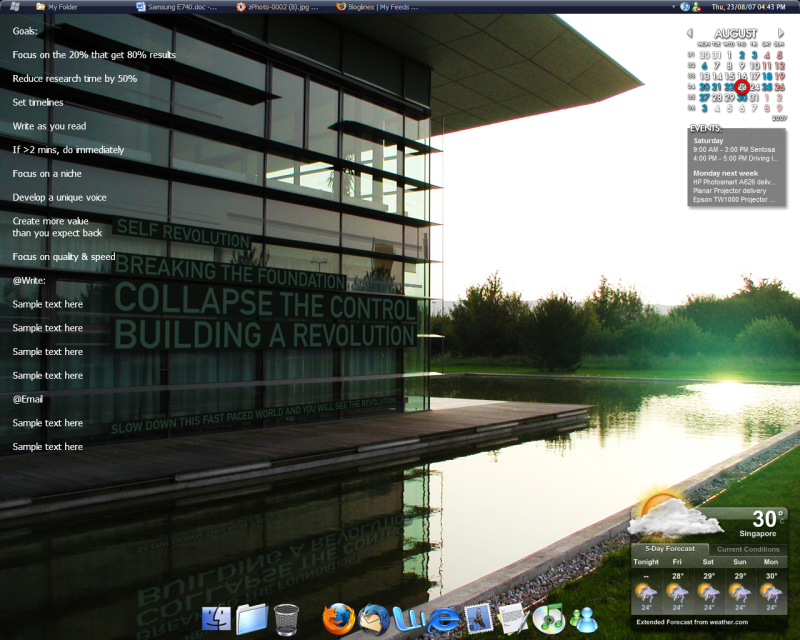
My original desktop clutter

I realized after a few weeks though, that it was adding to the mental noise that was going through my head. Every time I glanced at the screen undone tasks were screaming at me even when I had no way to do them then. It was time for a more elegant solution.

I minimized my weather widget and dock. I got rid of my Samurize tasks list even though it was a fast and easy method to keep track of them. I opted for the excellent and free Thinking Rock GTD program to keep track of my tasks. Lastly, I got rid of my wallpaper for this super minimal look.
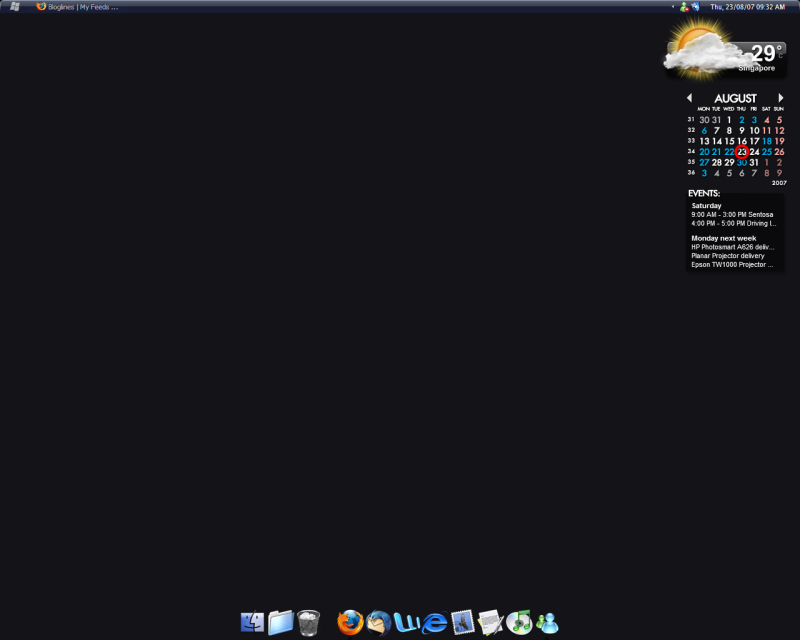
The first decluttered look

After a day though, I found it was too dreary and settled with this beautiful landscape from Desktopography.
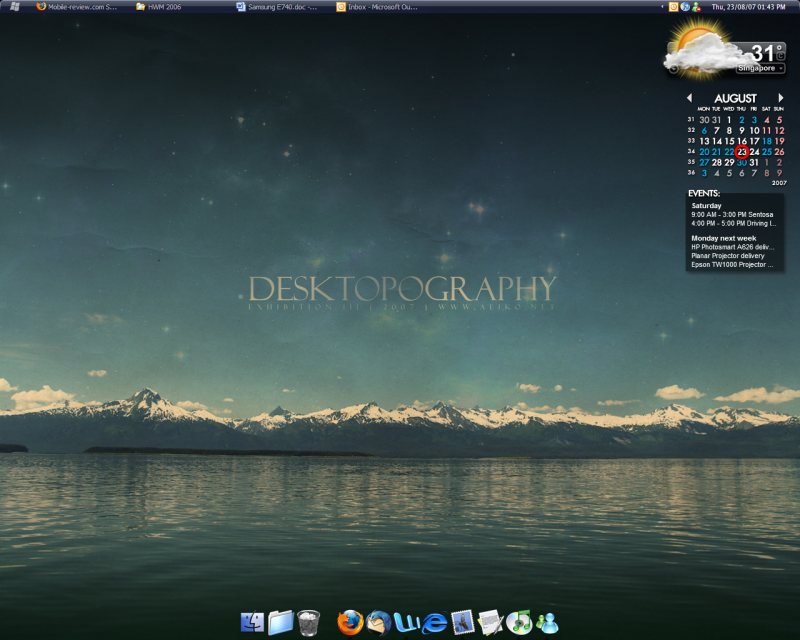
The second decluttered look

Two days later I find this desktop a lot more relaxing. I have to remember to input new tasks into Thinking Rock and review it two to three times a day but it’s a lot less anxiety inducing than having my to-do list stare at me all day long.

This post was written by:

Alvin Soon - who has written 456 posts on Life Coaches Blog.

Alvin is the founder of Life Coaches Blog and has been a coach for individuals and personal development seminars. He now writes full-time.

Contact the author

Related Posts:

5 Comments For This Post

  1. qeek Says:

    Funny. A few months ago, I’ve used the very same Windows theme with ObjectDock at the bottom.

    Anyway I think your desktop could be simplified even more.

    - Is ObjectDock really necessary? You can use the Start menu.
    - Use online calendar (like GCal) instead of Rainlendar, and open it only when needed
    - Hide all tray icons
    - Don’t display the date next to the clock :)

  2. Alvin Soon Says:

    Hi qeek,

    I love the dock because it’s a much faster way for me to get to the programs I want. After this post I set it to auto-hide though, which works much better (by the way it’s the resource-light Y’z Dock not ObjectDock).

    I like having my calender on the desktop because I have to go out for events regularly and I like having the reminders there. Plus it integrates nicely with the GTD method of having only time-sensitive tasks in the calender.

    I like having the date on the clock! I know it adds to the clutter but it’s just me - it reminds me of a Mac :p

  3. rob Says:

    Thanks for the link to desktopography - superb site and I’ve got myself a nice new desktop. The actual link in your article is wrong i think - it should be http://www.desktopography.net/

  4. Alvin Soon Says:

    Oops! You’re right, Rob, thanks! The link has been amended.

  5. paket Says:

    Complexity and disorder is the natural way of things. Real life doesn’t fit into orthogonal containers. Clutter represents uncertainty, mankind’s greatest fear. Learn to accept it, appreciate it, love it!

1 Trackbacks For This Post

  1. SOB Business Cafe 08-31-07 - Liz Strauss at Successful Blog - Thinking, writing, business ideas . . . You’re only a stranger once. Says:

    [...] I Was Stressed Every Time I Sat In Front of My Computer Until… [...]

Leave a Reply